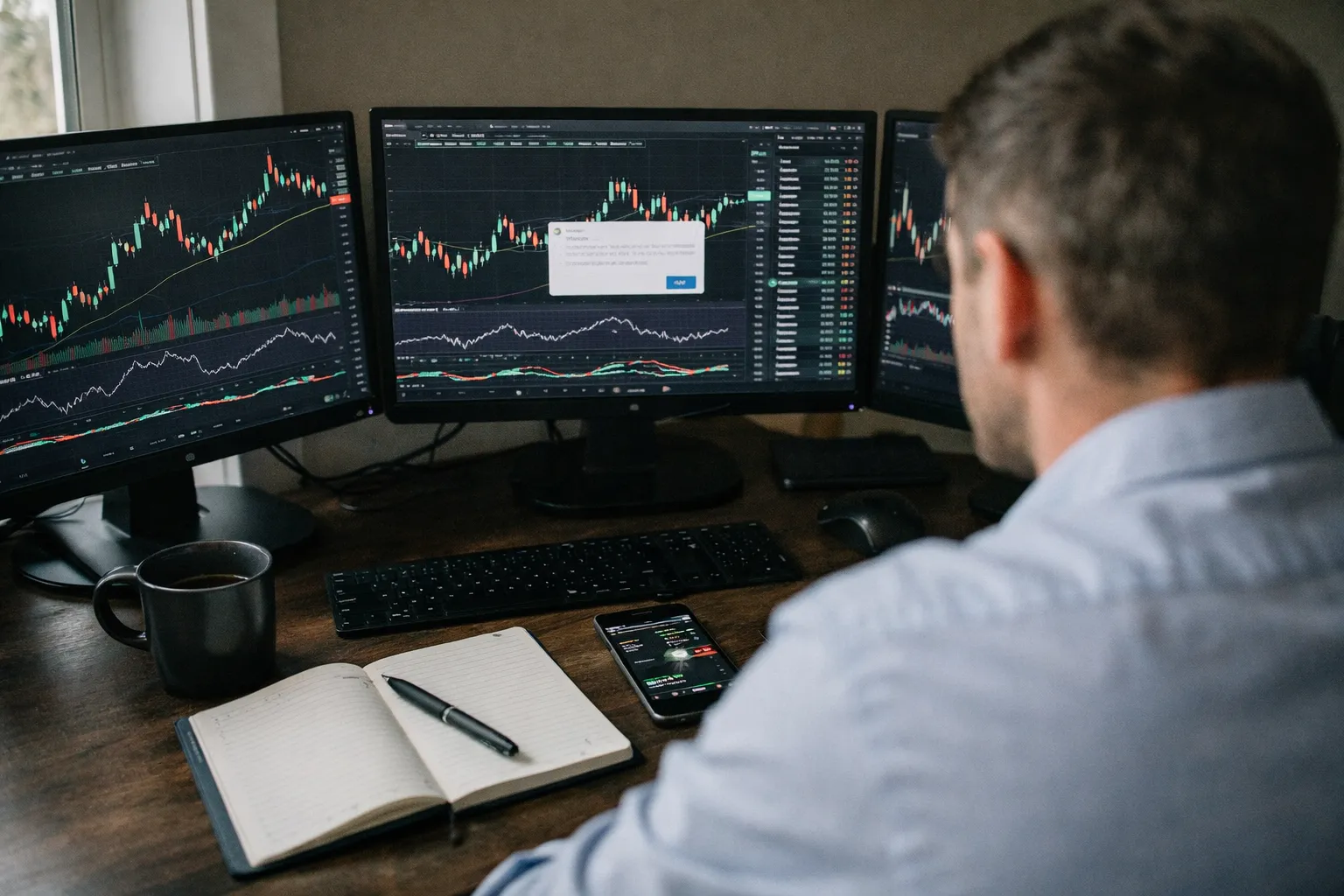
TradingView has become shorthand for modern charting and market idea-sharing. For stock investors weighing a paid upgrade, Pro+ is the mid-tier that promises more indicators, more alerts and faster performance than the free tier. This review examines TradingView Pro+ (as of July 2026) from the perspective of stock-investing enthusiasts: which features matter, where it shines, its limitations, and which investor profiles will get the most value.
What Pro+ brings to the table
TradingView's paid tiers (Pro, Pro+, Premium) build on the same core: cloud-based, multi-device charting with a large indicator library, the Pine Script strategy language, a stock screener, real-time and historical data, and a large community of public ideas. Pro+ is aimed at active retail investors who need more concurrent tools without paying top-tier fees.
- Chart capacity: More simultaneous charts and layouts compared with the free plan—useful for multi-timeframe analysis of a stock or scanning a small watchlist across timeframes.
- Indicator and drawing limits: Pro+ raises the cap on indicators per chart and saved chart layouts versus Pro/free tiers, enabling denser technical overlays without juggling tabs.
- Alerts: Pro+ increases the number of active alerts available (price, indicator, strategy alerts), and lets alerts run longer. That matters for investors who track many names or multi-condition alerts (e.g., moving average cross plus volume spike).
- Pine Script strategy backtests: Full access to Pine Script v5 features for building and backtesting strategies; Pro+ supports larger backtest runs and more frequent script executions than lower tiers.
- Faster data refresh and more intraday bars: Pro+ is less likely to hit refresh limits when scanning intraday setups across dozens of stocks.
- Broker integrations: TradingView supports several brokers (Alpaca, Tradovate, OANDA, and others) for order entry; integration convenience varies by broker and market.
Detailed evaluation: Features that matter to stock investors
Charting and technical analysis
TradingView’s charting engine remains class-leading: clean, responsive, and rich with indicators and drawing tools. For stock investors who rely on technical setups—momentum breakouts, trend-following entries, volatility-based position sizing—Pro+ removes many practical frictions. The ability to save multiple layouts (e.g., dividend-growth watchlist vs. small-cap swing list) and pull them up quickly across desktop and mobile is a daily productivity win.
Fundamentals and screeners
The built-in stock screener covers common metrics—P/E, EPS growth, dividend yield, market cap—and allows custom filters. However, TradingView’s fundamental depth is still shallower than specialized providers such as FactSet, Morningstar, or Koyfin. For investors conducting deep fundamental due diligence (multi-year segment revenue, detailed cash-flow line items), Pro+ is a complement, not a replacement. For idea generation—screening S&P 500 names for ROIC >10% and 3-year revenue CAGR >8%—it’s fast and effective.
Pine Script backtesting and strategy development
Pine Script is TradingView’s proprietary scripting language and remains powerful for retail quant experimentation. Pro+ users benefit from longer backtest horizons and more frequent executions, making it practical to validate mechanical strategies across hundreds of tickers. Limitations: Pine Script is optimized for indicator/strategy signals and synthetic backtests, but it isn’t a full quant stack—data handling, survivorship bias adjustments, and portfolio-level risk modeling are manual and less scalable than Python-based frameworks.
Alerts and workflow automation
Pro+’s increased alert allotment and advanced alert conditionality are useful for investors who want to be notified when multi-factor conditions align. Alerts can trigger webhooks, enabling integrations with automation tools or trade-execution endpoints. Bear in mind that reliable automated execution still requires a supported broker and careful testing.
Community ideas and signal noise
TradingView’s public idea stream can be a double-edged sword. It’s an excellent source of trade ideas and alternative viewpoints, but it also contains noise and self-promotion. Pro+ gives quicker access to chart authors and private messaging, but readers should vet ideas with independent fundamental and risk checks.
Pros and cons: clear tradeoffs
- Pros
- Industry-leading charting UI and cross-device sync.
- Robust technical toolset and Pine Script for strategy testing.
- Higher alert and indicator limits that matter to active retail investors.
- Fast idea generation via screeners and community content.
- Cons
- Fundamental data is useful for screening but lacks deep, audited line-item detail.
- Backtesting and portfolio-level analytics are limited compared with specialist quant platforms (e.g., Python + data vendors or institutional terminals).
- Native trade execution depends on broker integrations; not all brokers/countries are supported.
- Premium features can be pricey if you need the highest alert/indicator limits—evaluate against your usage.
Who should subscribe to Pro+ in 2026?
- Active retail traders and part-time quant traders — Pro+ is well suited for those running rule-based strategies across dozens of tickers, who need more alerts and larger backtest windows without the overhead of a full quant stack.
- Long-term investors who use technical overlays — Dividend-growth or value investors who periodically use technical signals to time entries/exits will appreciate saved layouts, watchlist syncing, and conditional alerts.
- Idea-driven investors — If you rely on community charts and custom indicators to find trade setups, Pro+ cuts down friction and latency versus the free tier.
- Not ideal for: investors needing audited, deep fundamental models, institutional-grade portfolio risk analytics, or native execution with less-fragmented order routing. For those use cases, combine TradingView Pro+ with a dedicated data provider or broker.
Practical buying checklist
- Audit your workflow: How many simultaneous alerts/indicators do you currently run? If you hit caps frequently, Pro+ likely pays for itself.
- Test Pine Script needs on the free/Pro tier first. Port a representative strategy and see if backtest depth and speed meet your requirements.
- Confirm broker integration for live execution if automation is important—test paper trades before trusting alerts for live orders.
- Use Pro+ as part of a toolkit: pair it with a fundamentals provider (or your brokerage reports) for complete due diligence.
Bottom line
TradingView Pro+ is a versatile, high-utility upgrade for stock investors who balance technical analysis with idea generation. It streamlines chart-heavy workflows, scales up alerting and backtesting for retail quant experiments, and retains the portability and social features that make TradingView unique. It is not, however, a one-stop solution for deep fundamental modeling or institutional-grade portfolio analytics. For many retail stock investors in 2026, Pro+ is a practical middle ground: powerful enough to support active strategies and watchlists, but best used in combination with a fundamentals datasource and a reliable broker for execution.