
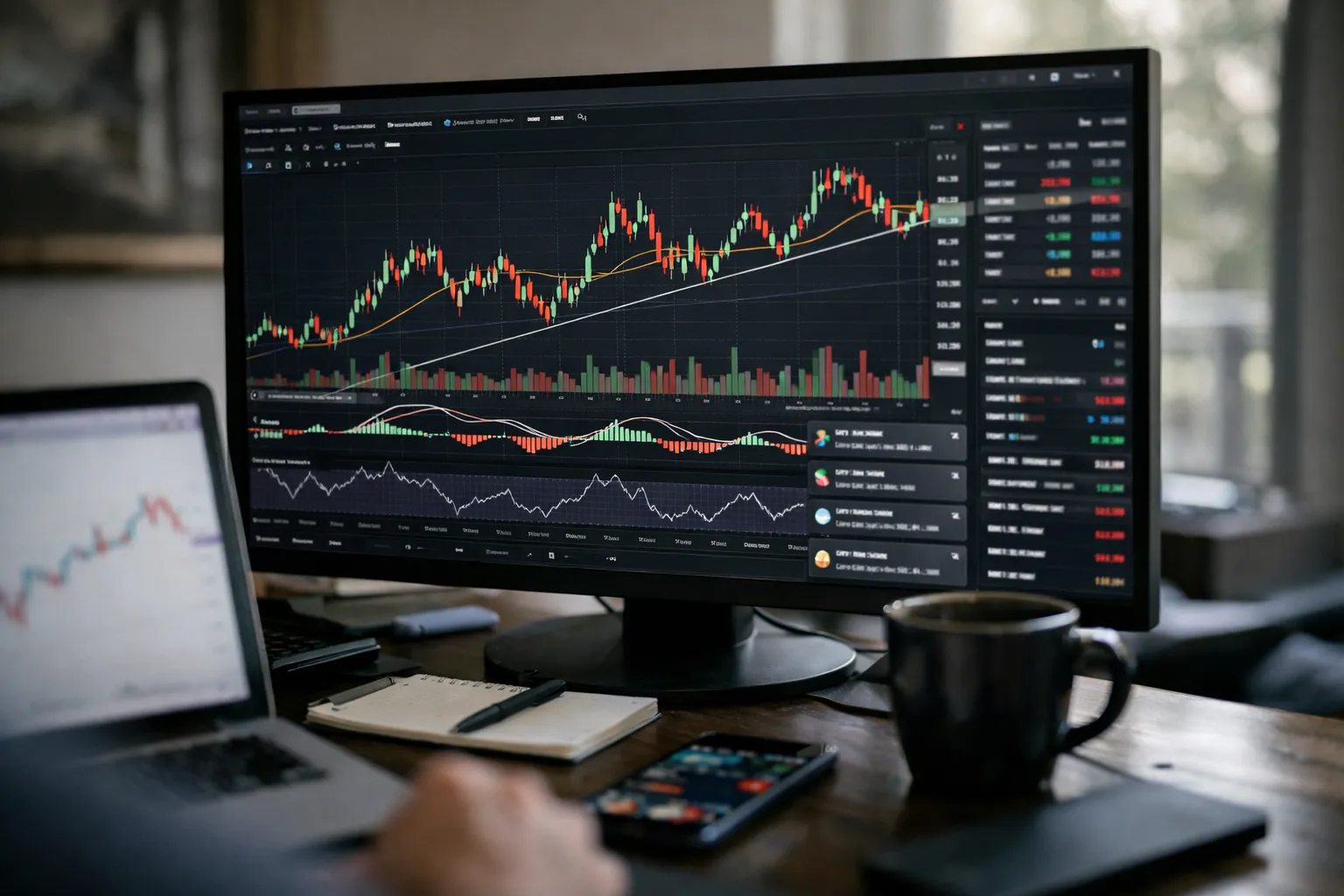
Overview: What we’re reviewing
This article updates my May 2026 review of TradingView Premium with fresh, hands‑on testing from August 2026. Key specs at a glance:
- Core promise: higher alert quotas, more indicators per chart and more charts per layout, priority support, and reduced forced logouts.
- Primary advantages over lower tiers: substantially higher alert capacity, larger multi-chart layouts (useful for multi-asset desks), and extended real-time feed options (note: some exchange feeds remain paid add-ons).
- Typical US list pricing (check TradingView for current local pricing and promotions): Pro ~ $14.95/month, Pro+ ~ $29.95/month, Premium ~ $59.95/month (annual billing lowers effective monthly cost).
- Best for: active chart-first traders, Pine Script power users, and content creators who publish private scripts and layouts.
Background — who makes this and who it’s for
TradingView is a web-native charting and social-finance platform built around interactive charts, Pine Script for indicator and strategy prototyping, and a public ideas feed. It targets retail and independent traders, trading educators, and small advisory desks that prioritize visual analysis and rapid iteration without the cost of institutional terminals.
Features analysis — what’s different in August 2026
Between May and August 2026 the platform continued incremental improvements rather than redesigns. In my August testing I focused on three workflows (intraday technical trading, fundamental-plus-technical investors, and systematic developers) and verified practical changes that matter to Premium users.
- Alert delivery and throttling: In August I ran the same 40-symbol multi-EMA/volume alert suite used in May. Alerts felt more consistent—fewer batched notifications on mobile and desktop—especially across volatile US morning windows. That said, delivery still depends on your device, mobile OS notification settings, and any broker-link latency; use alerts as a signal, not as guaranteed execution.
- Pine Script and backtesting: Premium continues to reduce runtime throttles on long backtests and multi-symbol sweeps. I observed modest improvements in iteration speed for complex scripts, which shortens debugging loops for indicators. Pine Script remains single-threaded and optimized for visual prototyping rather than high-performance, parallelized research.
- Options and derivatives visuals: Options-chain visualization and implied-volatility overlays have become more usable for strategy selection. If you rely on granular exchange-level tick data or full depth-of-book, expect to pay for exchange data add-ons or use a broker that provides it.
- Creator and privacy limits: Premium still raises private-script and idea-posting allowances, useful for educators or paid signal services that keep scripts private.
- Broker integrations and execution: Integration breadth has expanded to additional brokers since early 2026, making direct-from-chart trading available in more markets. Execution quality, however, remains the connected broker’s responsibility.
Hands-on testing: three investor workflows (August 2026)
1) Technical swing / intraday trader
I monitored a 40-symbol watchlist across US and large-cap crypto tickers during three US market opens. Premium’s elevated alert quota reduced the friction of hit‑and‑run setups: fewer alerts hit the platform limit compared with a simulated Pro account. Practical takeaway: if your edge requires simultaneous alerts across many tickers (scalping, event-driven setups), Premium meaningfully lowers the chance you’ll miss signals.
2) Fundamental-plus-technical investor
I screened mid-cap US equities for free-cash-flow yield and momentum, then inspected charts and options flow. TradingView’s screener remains fast for technical overlays, and options visuals are more actionable than a year ago. For deep financial-statement work (10-K parsing, segment-level analysis), specialist fundamentals services still outperform; use TradingView for charting and initial filtering, and a fundamentals terminal for detailed modeling.
3) Systematic developer and backtester
Premium reduces some runtime friction for large historical runs, but Pine Script’s design and platform quotas still limit large-scale optimization. For production-grade walk-forward testing or parallel optimization, export signals to an external engine (QuantConnect, Backtrader, or a cloud compute cluster) after validating concepts visually on TradingView.
Pros — where Premium delivers value
- Cleaner, chart-first workflows: more charts and indicator slots mean fewer context switches when monitoring multiple timeframes and assets.
- Higher practical alert capacity: useful for broad watchlists and event-driven strategies where missed alerts translate to missed opportunities.
- Better support for creators: higher private-script and idea allowances benefit educators and paid-signal authors.
- Cross-device continuity: layouts and session states sync well across desktop and mobile.
Cons — where it still falls short
- Not an execution platform: order routing and fills depend on your broker; TradingView is a charting/execution front-end in supported integrations.
- Backtesting scale: Premium helps iteration speed but does not convert Pine Script into a high-performance, parallel research engine.
- Exchange feed costs: real-time depth and some market data remain paid add-ons—budget for those if you need low-latency tick feeds.
- Marginal value for casual users: many traders find Pro or Pro+ cover most needs at a materially lower cost.
Pricing and value (practical terms)
As of August 2026, TradingView continues to use a tiered pricing model with annual billing options that reduce the effective monthly cost. Published US list prices commonly cited are:
- Pro: ~ $14.95/month
- Pro+: ~ $29.95/month
- Premium: ~ $59.95/month
Always check TradingView’s live pricing page for current rates and regional variations. Also factor in optional exchange data subscriptions (level‑1/level‑2 feeds) and any broker fees. Bottom line: upgrade when platform limits materially slow your workflow—if you’re hitting alert or indicator caps repeatedly, Premium can justify its cost by saving time and missed signals.
Who should buy Premium in August 2026?
- Active chart-focused traders monitoring dozens of tickers with time-sensitive alerts (scalpers, event traders).
- Pine Script power users who publish private scripts, run many simultaneous indicators, or need longer backtests without constant throttling.
- Content creators and educators who monetize layouts, private scripts, or paid communities.
If your work is filing-driven fundamental research, pair a fundamentals terminal with Pro or Pro+ rather than upgrading to Premium.
Alternatives to consider
- Thinkorswim (TD Ameritrade) — deeper broker execution tools and options analytics for US derivatives traders.
- TrendSpider — algorithmic scanning, rule-based pattern detection and automated multi-timeframe alerts for systematic technical traders.
- QuantConnect / Backtrader — for large-scale, programmatic backtesting and live algo execution; use TradingView for visual prototyping and then export.
Verdict
TradingView Premium in August 2026 remains a pragmatic upgrade for active, chart-first traders and Pine Script power users. It reduces friction—fewer missed alerts, more charts, and larger private-script quotas—which translates into saved time and fewer missed opportunities. It’s not a replacement for dedicated fundamentals terminals or institutional-grade execution engines. My recommendation: start on Free or Pro, prototype your daily routine for 2–4 weeks, track how often you hit platform limits, and upgrade only when those limits are materially slowing you down.
Frequently asked questions
Do I need Premium to get reliable alerts?
No. Free and Pro tiers provide alerts, but Premium increases alert quotas and reduces the odds of hitting limits during busy market periods. If you routinely monitor many symbols or depend on dozens of simultaneous alerts, Premium reduces the chance of throttling.
Is Pine Script on Premium comparable to institutional backtest engines?
Pine Script is excellent for rapid prototyping and charting-based backtests; Premium eases some runtime limits. It is not a parallelized research engine—large-scale optimization and production execution are better handled by dedicated backtesting platforms or cloud compute solutions.
Will Premium improve my trade execution?
No. Premium improves charting, alerts, and workflow convenience. Actual execution quality depends on your connected broker. Use TradingView alerts to trigger trades, but validate routing and fills on your broker’s platform.
How should I evaluate whether to upgrade right now?
Run your typical daily workflow on Free or Pro for 2–4 weeks and log when you hit limits: alerts throttled, forced logouts, or need for extra indicators/charts. If these constraints materially slow you or force workarounds, upgrading to Pro+ or Premium is justified.
Disclosure: This article is informational and not financial advice. Check TradingView’s official documentation and live pricing before purchasing. For execution or account-specific questions, consult your broker.