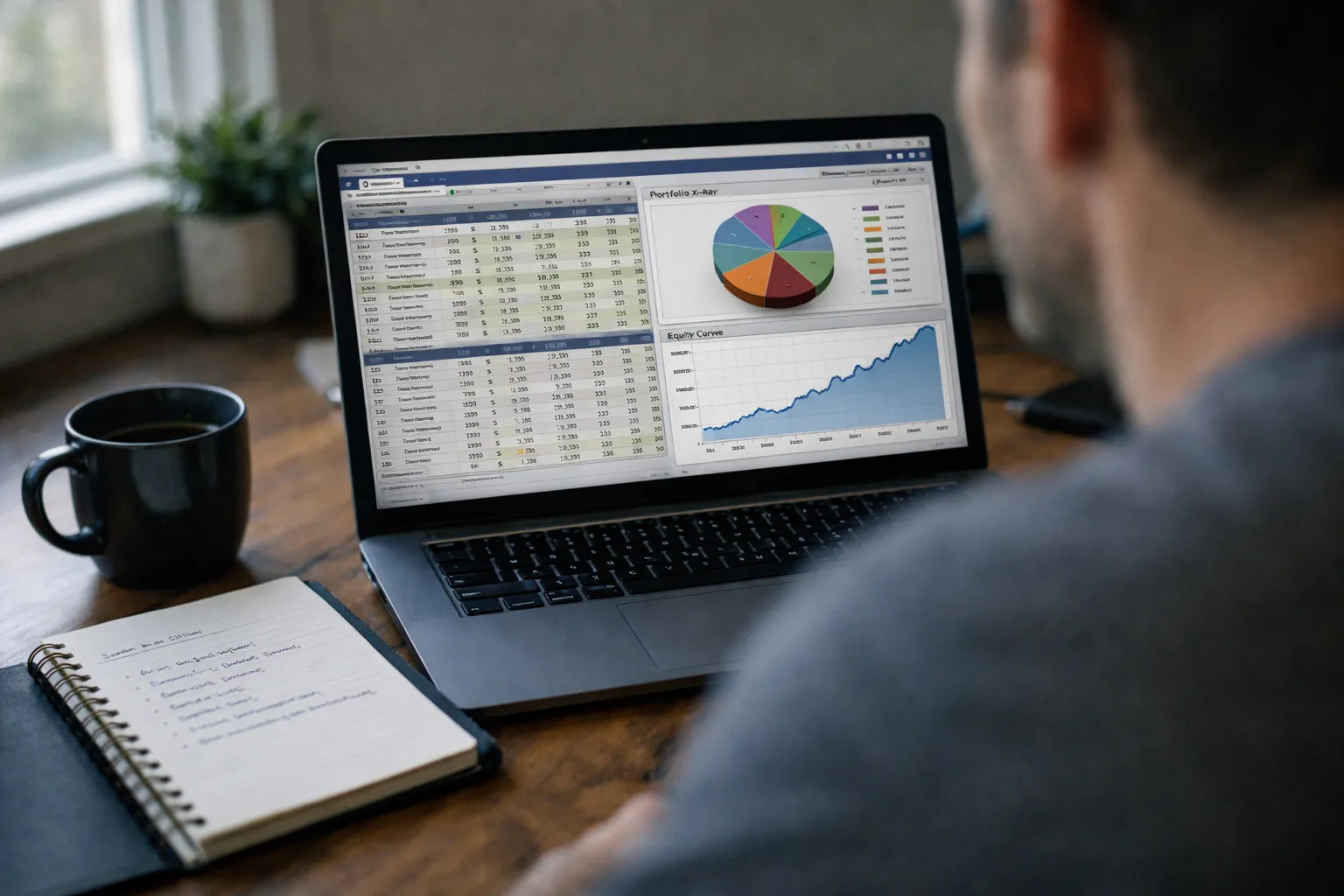
Bottom line: Stock Rover remains one of the most feature-rich platforms for fundamentals-first retail investors. Its screening depth, portfolio X‑ray and reporting tools provide analytic muscle most DIY investors can’t assemble with spreadsheets alone. However, charting and trade execution lag specialist competitors; Stock Rover is best for investors focused on research, portfolio health and evidence-based screening rather than intraday trading.
What this review covers
This review tests Stock Rover’s core capabilities for stock investors in September 2026: the fundamental screener, portfolio analytics (X‑ray), backtesting and reporting, alerting and day-to-day workflow. I assess accuracy and usefulness for retail portfolios and discuss what type of investor gets the most value from each tier.
Key features evaluated
- Fundamental screener: hundreds of metrics covering financial statements, valuation ratios, margins, efficiency and growth.
- Portfolio X‑ray & diagnostics: allocation breakdowns, factor exposures, concentration risk and historical performance attribution.
- Backtesting and screening-history: test a rules-based screen against historical returns and simulate portfolio performance.
- Reports and export: downloadable PDF/CSV reports for meetings or tax records.
- Alerts & watchlists: email/push alerts on metric changes, price and watchlist updates.
What works well
1. Depth of fundamental data
Stock Rover’s signature strength is its taxonomy of fundamentals. The screener exposes granular fields—free cash flow yields, segment-level margins, multi-period CAGR fields and dozens of valuation measures. For a value-oriented investor who builds thesis-driven screens (for example: low EV/EBIT, positive FCF, improving ROIC), Stock Rover eliminates tedious data collection and lets you iterate quickly.
2. Portfolio diagnostics
The X‑ray is where Stock Rover justifies a subscription. It combines holdings-level metrics (valuation, yield, dividend safety) with portfolio-level views (sector/cap allocation, turnover, factor tilts). The attribution tools help you see whether recent outperformance came from sector bets or idiosyncratic stock selection—critical in a market where macro regimes shift.
3. Screening + backtesting workflow
Running a multi-factor screen and then immediately testing it historically is smooth. The interface lets you quickly adjust filters, save iterations and snapshot results. For investors who want evidence that a ruleset would have survived multiple rate cycles or sector rotations, this saves hours of spreadsheet work.
4. Reporting and exports
Custom reports and CSV exports are robust enough for advisors or active hobbyists who share research. PDF overviews and printable stock reports are clean and suitable for client meetings or personal diligence files.
Where Stock Rover falls short
1. Charting & technical tools
Stock Rover’s charts are serviceable for basic trend checks, but they don’t replace dedicated charting platforms. If your process depends on intricate technical overlays, multi-market heatmaps or extensive intraday data, you’ll want to pair Stock Rover with a specialist charting tool.
2. No direct trade execution
Stock Rover is not a broker. It tracks performance and can sync portfolio statements, but it does not route trades. That separation is fine for long-term investors but adds friction for traders who want an all-in-one interface from idea to execution.
3. Learning curve for power users
With hundreds of metrics and backtest knobs, the platform can overwhelm casual users. The interface helps with templates and prebuilt screens, but to extract maximum value investors need to understand accounting concepts and backtesting caveats.
Pricing & tiers (practical guidance)
Stock Rover offers a free tier and multiple paid tiers with progressively more metrics, backtesting depth and reporting. For casual watchlist users, the free or mid-tier plan may suffice. Serious fundamental investors and advisors will likely find the top-tier worth the cost—primarily for unlimited screening, advanced portfolio analytics and longer backtest horizons.
How I used Stock Rover in a practical workflow
- Create a hypothesis (e.g., quality-value blend: low EV/EBIT, ROIC > 10%, 3‑yr EPS CAGR positive).
- Build a screener with the bank of metrics, save it and run across the entire US-listed universe.
- Backtest the screen across the last two rate cycles to check drawdowns and turnover.
- Drop shortlist into a watchlist, use alerts for metric changes or price triggers, then run X‑ray on the potential portfolio to check factor concentration and margin-of-safety metrics.
This flow turns a qualitative thesis into quantitative checkpoints—ideal for disciplined, rules-driven investors.
Who should buy Stock Rover?
- Value and quality investors who prioritize fundamentals and portfolio insight over intraday charts.
- Advisors or serious DIY investors who need reproducible screens, printable research and allocation diagnostics.
- Investors running rules-based strategies who want to validate screens historically before allocating capital.
Stock Rover is less suitable for day traders, options-first traders or users who want integrated brokerage execution and advanced intraday charting.
Alternatives to consider
- Dedicated charting platforms (for technical traders) — better intraday tools.
- News/idea aggregators (for idea flow) — more editorial coverage and sentiment feeds.
- Portfolio Visualizer or institutional analytics (for multi-asset modeling) — stronger asset-allocation simulation.
Verdict
For 2026 investors focused on bottom-up stock selection and portfolio hygiene, Stock Rover remains one of the best single subscriptions you can buy. Its strength is cohesion: the same data powering screens also populates portfolio diagnostics and reports, reducing spreadsheet risk and analysis time. If you value trade execution or advanced technical charts as part of the same interface, plan to pair Stock Rover with a broker or charting specialist.
Recommendation: trial the free tier, run one real screen and a short backtest, then evaluate whether the Premium features (extended history, deep exports, unlimited saved screens) cut minutes or hours from your research cycle. For systematic, fundamentals-driven investors, that time saved usually pays for itself.